
# IPTV Smarters Player Ultimate 2026 Installation and Optimization Guide
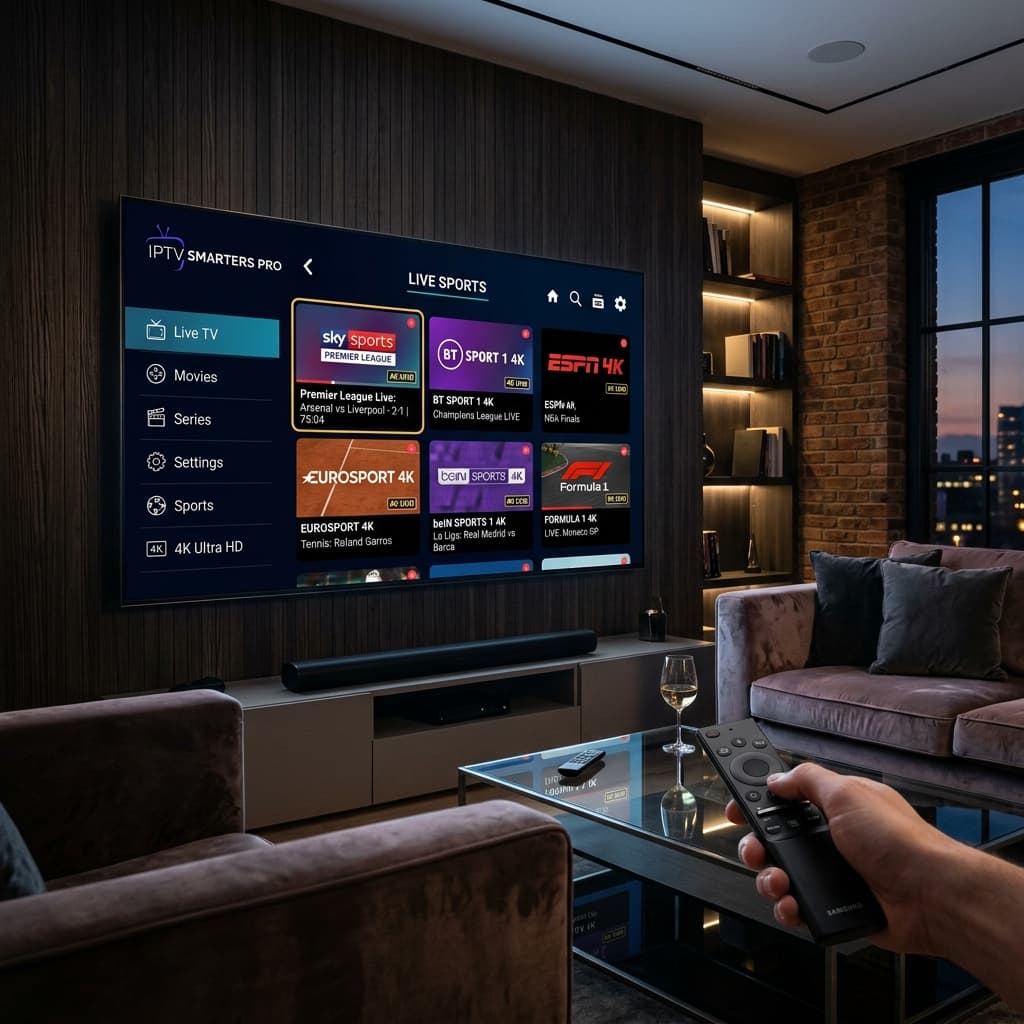
In the rapidly expanding world of digital television streaming, IPTV Smarters Player stands out as one of the most reliable and feature rich application portals for viewing live television channels, international sports events, and on demand video catalogs. Whether you are using a modern Smart TV, an Amazon Firestick streaming dongle, an Android TV box, an Apple iOS mobile device, or a Windows computer, IPTV Smarters Player offers a sleek interface designed for high performance playback.
In this comprehensive 2026 guide, we explore everything you need to know about setting up IPTV Smarters Player, optimizing playback settings for four K resolution, troubleshooting connection issues, answering essential questions in our FAQ section, and demonstrating why pairing IPTV Smarters Player with Eagle4k servers delivers an unbeatable streaming experience.
## Understanding IPTV Smarters Player and How It Functions
IPTV Smarters Player is a specialized media player software application engineered to decode digital streaming protocols. It does not sell or distribute television channels or content playlists independently. Instead, it functions as a master dashboard interface into which users enter their active subscription credentials provided by an IPTV service provider.
By connecting securely to remote servers using Xtream Codes API login or M3U playlist URLs, IPTV Smarters Player imports thousands of live television channels, detailed Electronic Program Guide data grids, and categorized video on demand libraries directly onto your device screen.
## Outstanding Features of IPTV Smarters Player
1. Multi Screen Split Playback. IPTV Smarters Player enables users to split their screen into multiple sections to watch several live sports broadcasts simultaneously on supported devices.
2. Advanced Search Engine. Quickly locate specific television channels, movies, and series using instant keyword filtering across all content databases.
3. Electronic Program Guide Integration. Check current and upcoming program schedules with ease and catch up on previously aired broadcasts.
4. Flexible Parental Control System. Lock specific content categories or adult channels using a secure four digit PIN code.
5. Support for External Video Players. Seamlessly route video streams through external players like VLC Player or MX Player for customized audio channel selection.
## Step by Step Setup Instructions for IPTV Smarters Player
Setting up your subscription on IPTV Smarters Player with Eagle4k takes less than five minutes.
1. Download and install IPTV Smarters Player from your device official application store.
2. Launch the application on your screen and select the option to Log In with Xtream Codes API.
3. Enter any account title name of your choice in the top text field.
4. Input your username, password, and server URL address delivered to your email by Eagle4k.
5. Click Add User to start downloading channel lists and video on demand categories.
6. Click Live TV, Movies, or Series to start enjoying four K streaming immediately.
## Frequently Asked Questions and Answers About IPTV Smarters Player
Question one. Is IPTV Smarters Player free to download.
Answer. Yes, the core IPTV Smarters Player application is free to download across official application stores for Android, Smart TVs, and iOS devices.
Question two. How do I fix buffering issues in IPTV Smarters Player.
Answer. Buffering is usually resolved by connecting your device via an ethernet cable, clearing the application cache, or switching to dedicated Anti Freeze servers provided by Eagle4k.
Question three. Is IPTV Smarters Player compatible with Samsung and LG Smart TVs.
Answer. Yes, IPTV Smarters Player can be installed directly from the official Samsung App Store for Tizen OS and LG Content Store for webOS televisions.
Question four. Why should I choose Eagle4k for IPTV Smarters Player.
Answer. Eagle4k utilizes Anti Freeze version nine point zero technology distributed across six worldwide edge server locations, ensuring ninety nine point ninety nine percent uptime with zero freezing.
Question five. What internet download speed is required for four K playback.
Answer. A minimum stable download speed of twenty five megabits per second is recommended for High Definition streams, while fifty megabits per second or higher is recommended for smooth four K sports broadcasting.
## Conclusion
For television viewers seeking a smooth, powerful, and easy to use streaming interface, IPTV Smarters Player combined with an Eagle4k subscription represents the top standard in 2026. Install it today for unlimited home theater entertainment.
In the rapidly expanding world of digital television streaming, IPTV Smarters Player stands out as one of the most reliable and feature rich application portals for viewing live television channels, international sports events, and on demand video catalogs. Whether you are using a modern Smart TV, an Amazon Firestick streaming dongle, an Android TV box, an Apple iOS mobile device, or a Windows computer, IPTV Smarters Player offers a sleek interface designed for high performance playback.
In this comprehensive 2026 guide, we explore everything you need to know about setting up IPTV Smarters Player, optimizing playback settings for four K resolution, troubleshooting connection issues, answering essential questions in our FAQ section, and demonstrating why pairing IPTV Smarters Player with Eagle4k servers delivers an unbeatable streaming experience.
## Understanding IPTV Smarters Player and How It Functions
IPTV Smarters Player is a specialized media player software application engineered to decode digital streaming protocols. It does not sell or distribute television channels or content playlists independently. Instead, it functions as a master dashboard interface into which users enter their active subscription credentials provided by an IPTV service provider.
By connecting securely to remote servers using Xtream Codes API login or M3U playlist URLs, IPTV Smarters Player imports thousands of live television channels, detailed Electronic Program Guide data grids, and categorized video on demand libraries directly onto your device screen.
## Outstanding Features of IPTV Smarters Player
1. Multi Screen Split Playback. IPTV Smarters Player enables users to split their screen into multiple sections to watch several live sports broadcasts simultaneously on supported devices.
2. Advanced Search Engine. Quickly locate specific television channels, movies, and series using instant keyword filtering across all content databases.
3. Electronic Program Guide Integration. Check current and upcoming program schedules with ease and catch up on previously aired broadcasts.
4. Flexible Parental Control System. Lock specific content categories or adult channels using a secure four digit PIN code.
5. Support for External Video Players. Seamlessly route video streams through external players like VLC Player or MX Player for customized audio channel selection.
## Step by Step Setup Instructions for IPTV Smarters Player
Setting up your subscription on IPTV Smarters Player with Eagle4k takes less than five minutes.
1. Download and install IPTV Smarters Player from your device official application store.
2. Launch the application on your screen and select the option to Log In with Xtream Codes API.
3. Enter any account title name of your choice in the top text field.
4. Input your username, password, and server URL address delivered to your email by Eagle4k.
5. Click Add User to start downloading channel lists and video on demand categories.
6. Click Live TV, Movies, or Series to start enjoying four K streaming immediately.
## Frequently Asked Questions and Answers About IPTV Smarters Player
Question one. Is IPTV Smarters Player free to download.
Answer. Yes, the core IPTV Smarters Player application is free to download across official application stores for Android, Smart TVs, and iOS devices.
Question two. How do I fix buffering issues in IPTV Smarters Player.
Answer. Buffering is usually resolved by connecting your device via an ethernet cable, clearing the application cache, or switching to dedicated Anti Freeze servers provided by Eagle4k.
Question three. Is IPTV Smarters Player compatible with Samsung and LG Smart TVs.
Answer. Yes, IPTV Smarters Player can be installed directly from the official Samsung App Store for Tizen OS and LG Content Store for webOS televisions.
Question four. Why should I choose Eagle4k for IPTV Smarters Player.
Answer. Eagle4k utilizes Anti Freeze version nine point zero technology distributed across six worldwide edge server locations, ensuring ninety nine point ninety nine percent uptime with zero freezing.
Question five. What internet download speed is required for four K playback.
Answer. A minimum stable download speed of twenty five megabits per second is recommended for High Definition streams, while fifty megabits per second or higher is recommended for smooth four K sports broadcasting.
## Conclusion
For television viewers seeking a smooth, powerful, and easy to use streaming interface, IPTV Smarters Player combined with an Eagle4k subscription represents the top standard in 2026. Install it today for unlimited home theater entertainment.